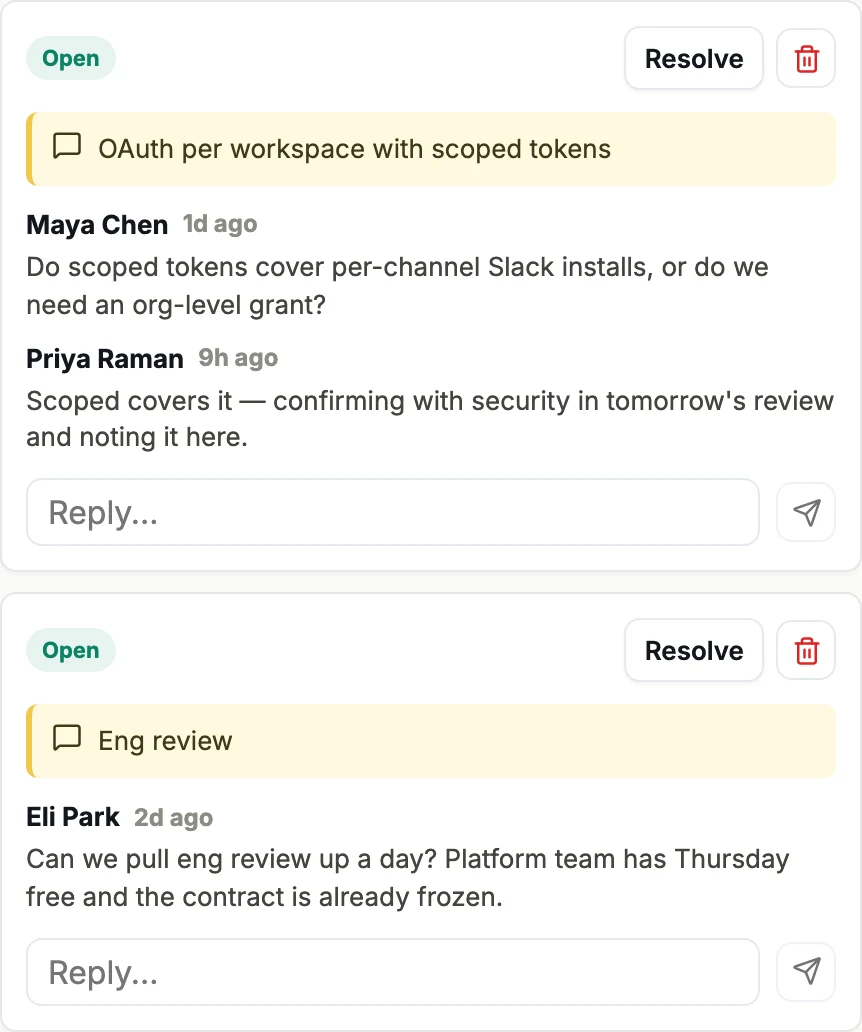
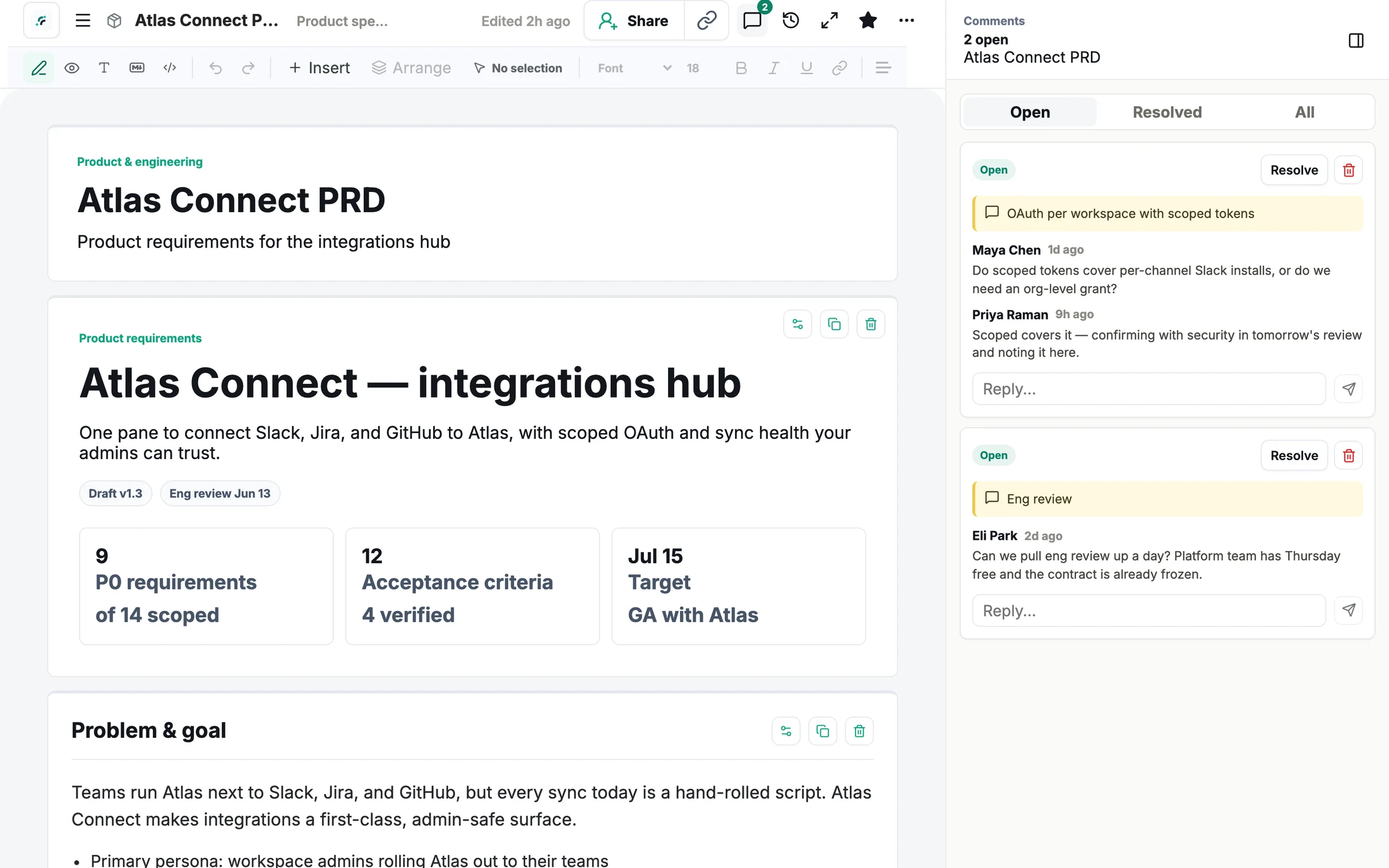
Comments land on the work itself
Stakeholders comment on a requirement, a milestone, a metric — in the browser, nothing to install. Threads resolve and reopen, so feedback never scatters back into chat.
The home for AI artifacts
Artifacto is the home for the artifacts your team makes with AI — one link your whole workspace can open, comments on the work itself, versions, and a library that compounds.
Free for you + 3 teammates · No credit card · Export anytime
Artifacts die in Slack threads and Jira tickets. Yours shouldn’t.
The home
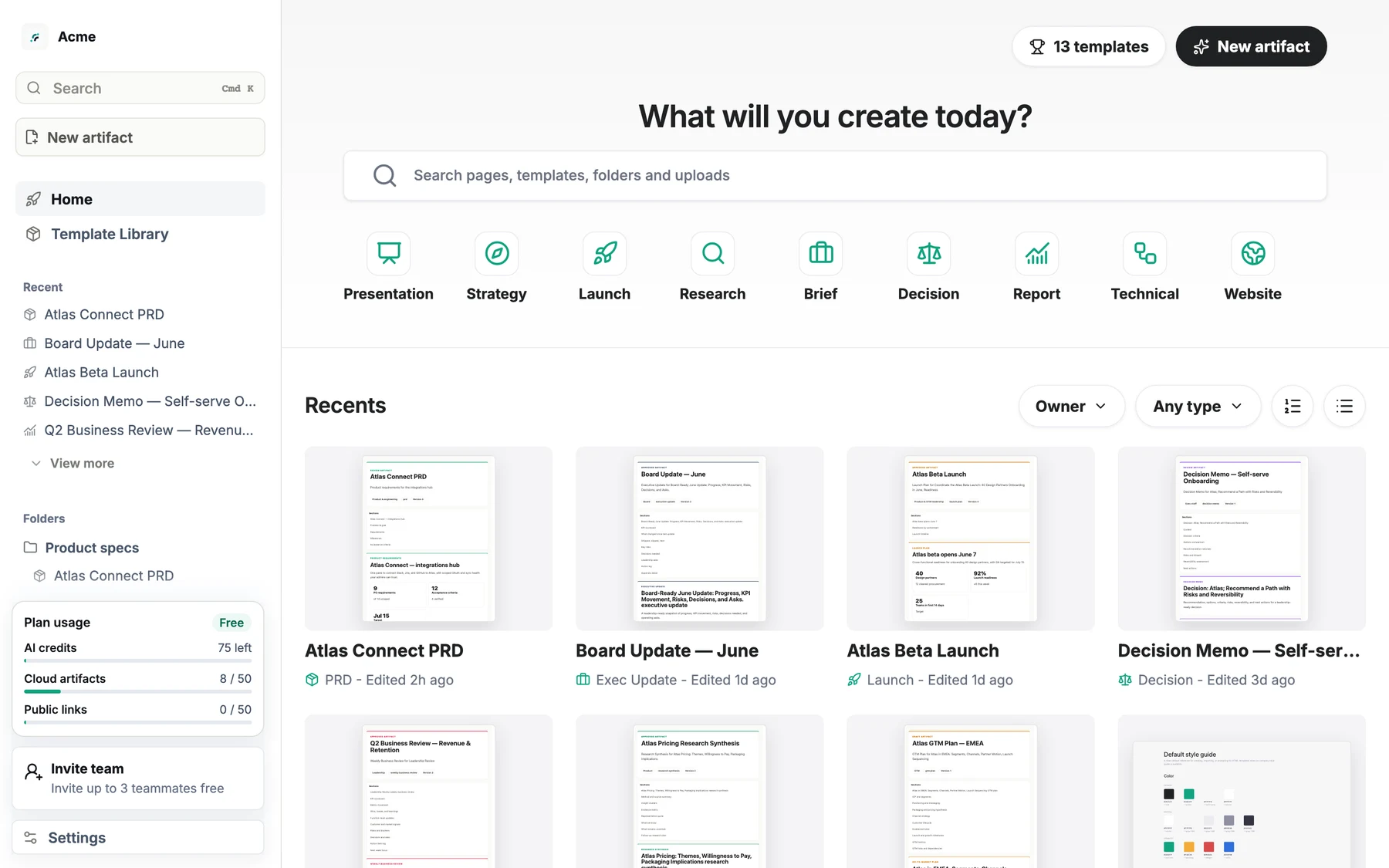
Not a file dump. A place where work gets opened, discussed, revised, and found again.
Stakeholders comment on a requirement, a milestone, a metric — in the browser, nothing to install. Threads resolve and reopen, so feedback never scatters back into chat.
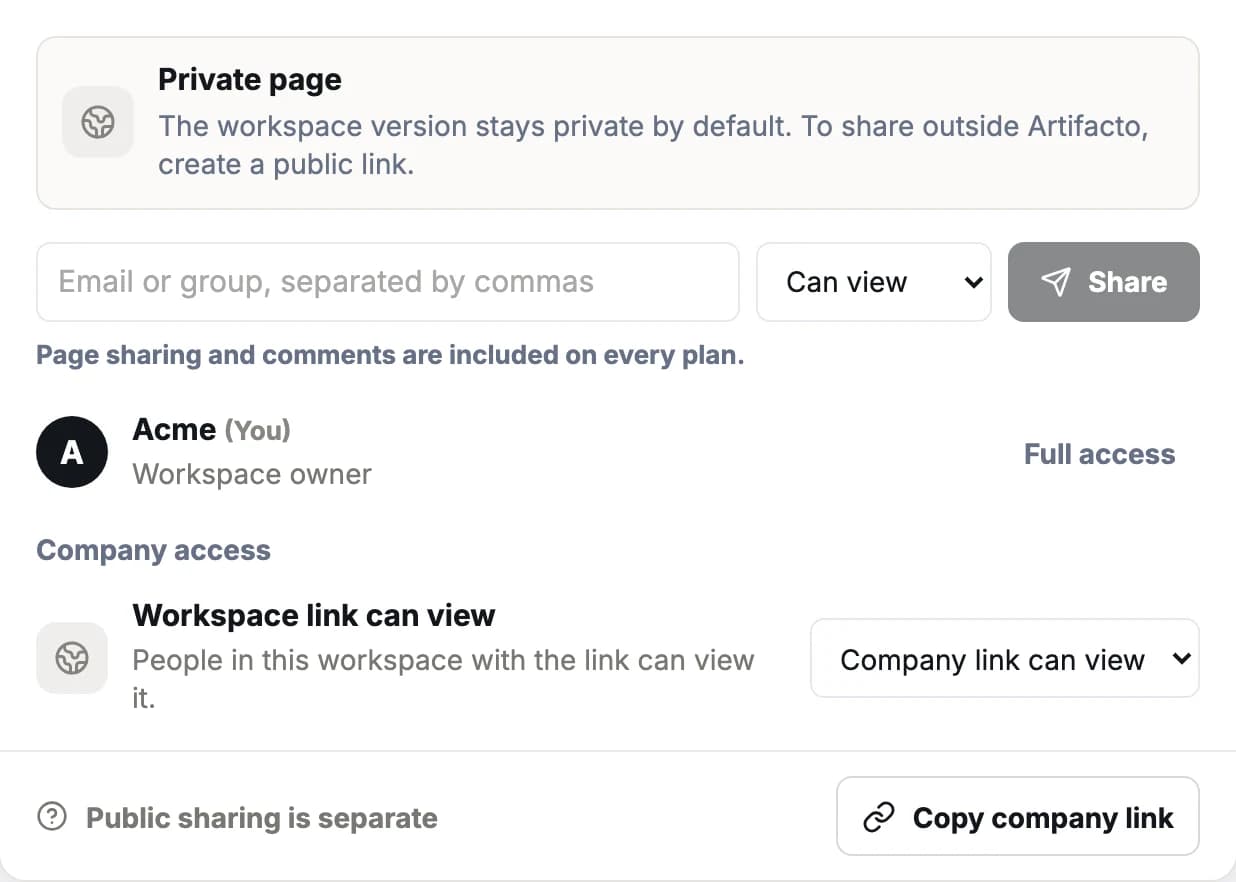
Flip an artifact to Workspace link can view and anyone in your workspace can open it — no per-file requests, no seat ceremony for viewers.
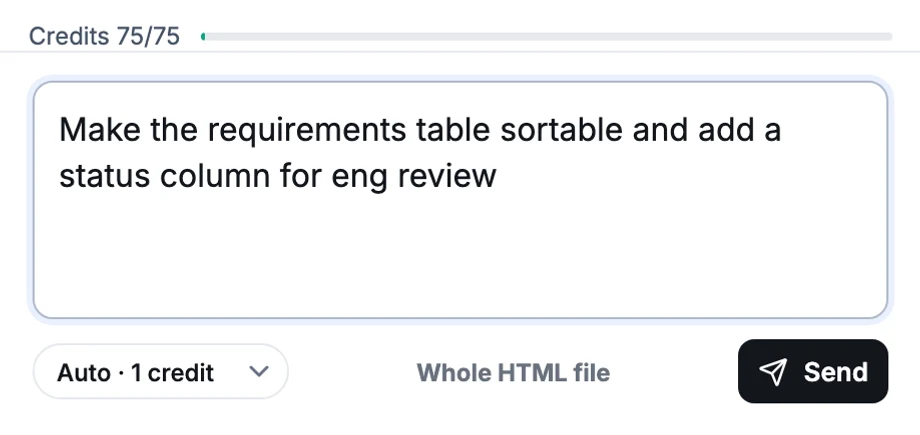
Ask for a copy pass, a layout change, or a restyle — the editor patches the HTML in place and the link stays the same.
Folders, search, favorites, and live previews. The QBR from March is findable in April, and new teammates browse what good looks like.
History on every save. A returning reviewer orients in seconds.
Export standalone HTML, Markdown, or JSON anytime. Nothing is held hostage.
Drafts stay yours. Share to the workspace, invite by email, or publish a password-protected link.
The capture point
Save, update, and publish from inside the chat — or paste and upload by hand. Whichever model made it, the work lives here.
Add Artifacto as a connector in Claude (web, desktop, or mobile):
Add the Artifacto connector to the AI tools your team already uses.
“Save this to Artifacto.” The artifact lands in your workspace with a link.
Share the workspace link. Comments, versions, and search from day one.
Templates
Shipping in public — new here every week. See what changed this week →
Pricing
Every plan starts with you plus 3 teammates and workspace-link sharing. Paid plans add the rooms teams grow into.
A home for your artifacts — and the first teammates who live in them.
For one person sharing finished work with clients and teams.
For teams that live in their artifacts — shared templates, shared style guide.
Anywhere. Connect Claude, Claude Code, ChatGPT, Cursor, Codex, or any MCP client once, and artifacts save straight from the chat. Or paste and upload HTML by hand. Artifacto is model-neutral — it doesn't care which AI made the work.
You choose per artifact: keep it private, share it with your whole workspace via the workspace link, invite specific people by email, or publish an external link for people outside your workspace — password-protected on paid plans.
Anyone can open a public link without an account. Commenting happens on the workspace version, so a teammate needs a free account with access — every plan includes the owner plus 3 invited teammates at no cost. Everything works in the browser; nothing to install.
No. Notion is where notes and wikis live. Artifacto is where rich interactive artifacts live — the things Notion can only embed as a frozen iframe.
Each AI action costs a fixed number of credits, charged before the request is sent — so there are no surprise usage bills. When a workspace runs out, AI actions pause until the monthly reset, an upgrade, or a one-time top-up ($10 for 325 credits; purchased credits last 12 months). Viewing, sharing, and commenting never stop.
Yes: standalone HTML, Markdown, and JSON. Your work is portable — nothing is held hostage.
Free for you + 3 teammates · Set up in two minutes